Remote Access
Remote Access
Control your own Windows PC from Android — live desktop, keys, and PowerShell.
Control your own PC from your phone
Point the app at your PC (ports 47829 / 47830). A matching web dashboard lives at crownpath.thetooltuckshop.rs/status.
Version 1.3.9 (2026-08-16 build) · Android package: com.vasaserafin.remoteaccess
What you get
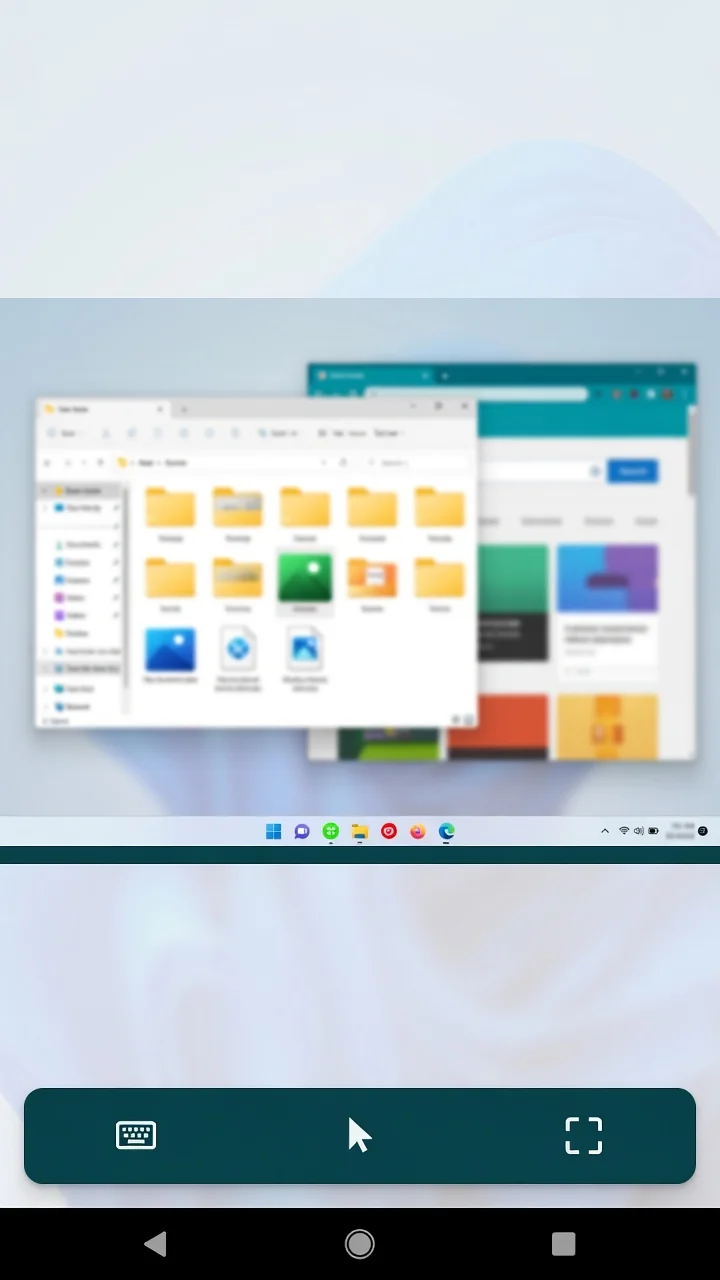
- Live H.264 desktop on the phone or in the browser
- Mouse, scroll, keyboard, Alt+F4
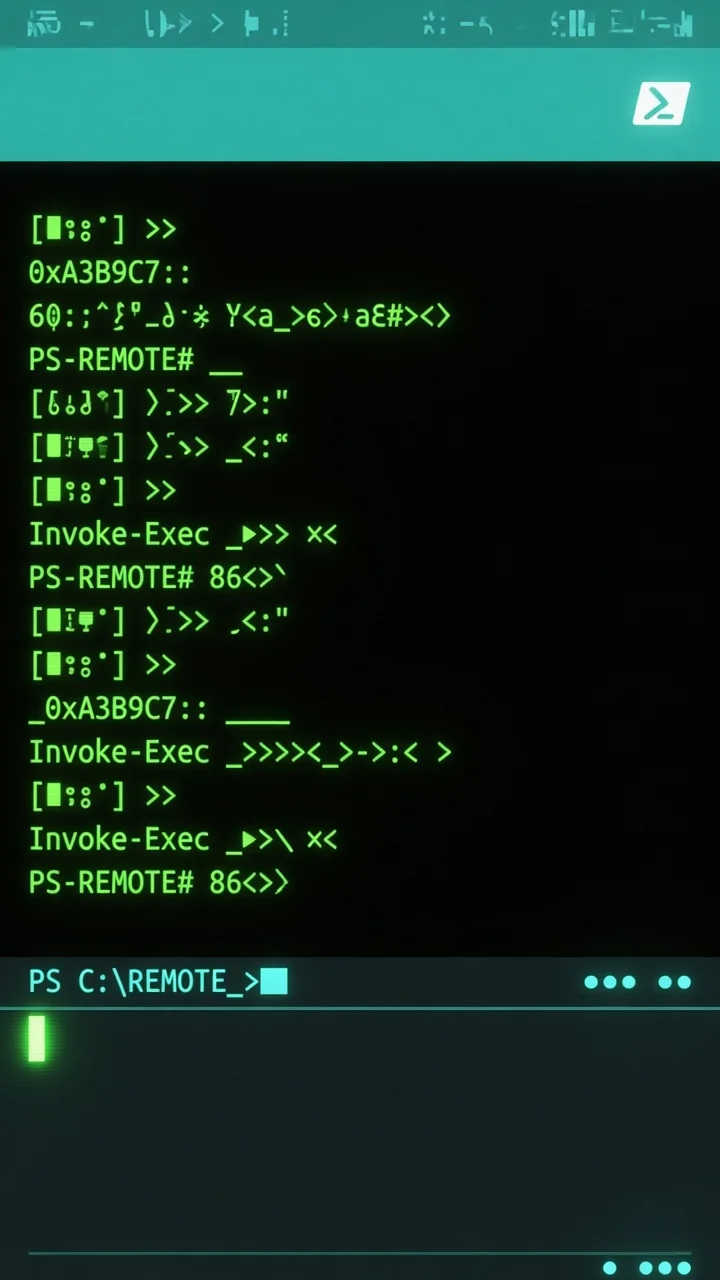
- Extra PowerShell consoles
- grok console when grok.exe is on the PC PATH
- Wake-on-LAN
- File drop folders on the PC
- Video quality: Auto, 1080p, or 720p
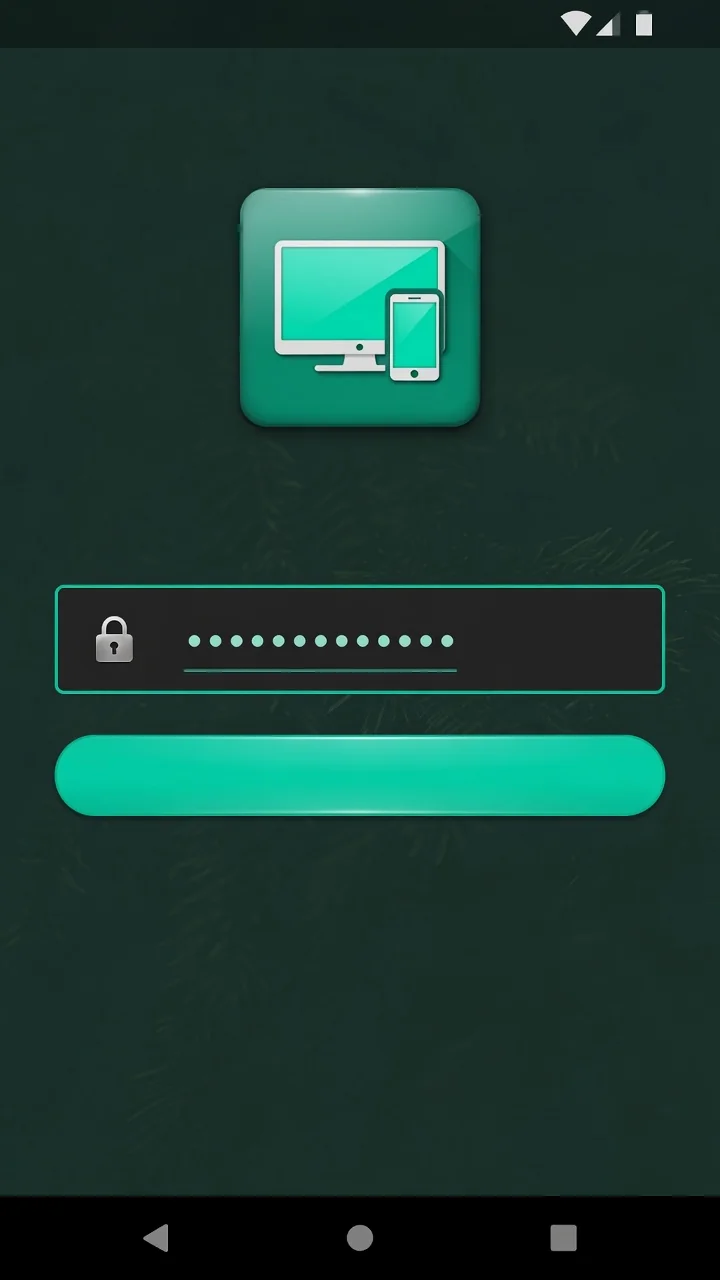
Preview
Needs your PC
This is a personal remote-desktop product. The Remote Access server must run on your Windows PC. One session at a time — phone or web, not both. Website login is encrypted and signed.
Privacy: crownpath-privacy.html